
Up to date. Everywhere.
Edit your restaurant or café menu from your phone.
Update dishes, prices, specials and availability. Review and publish to the same menu link, QR code and website embed.
Start with your existing text-based PDF or Word menu, or add items yourself. AI can help organise an import; you check the details. Then keep your digital menu up to date in MenuPl8.
Register with Google or email and apply for the free Pilot plan. Already invited? Use the same registration page with your invited email.
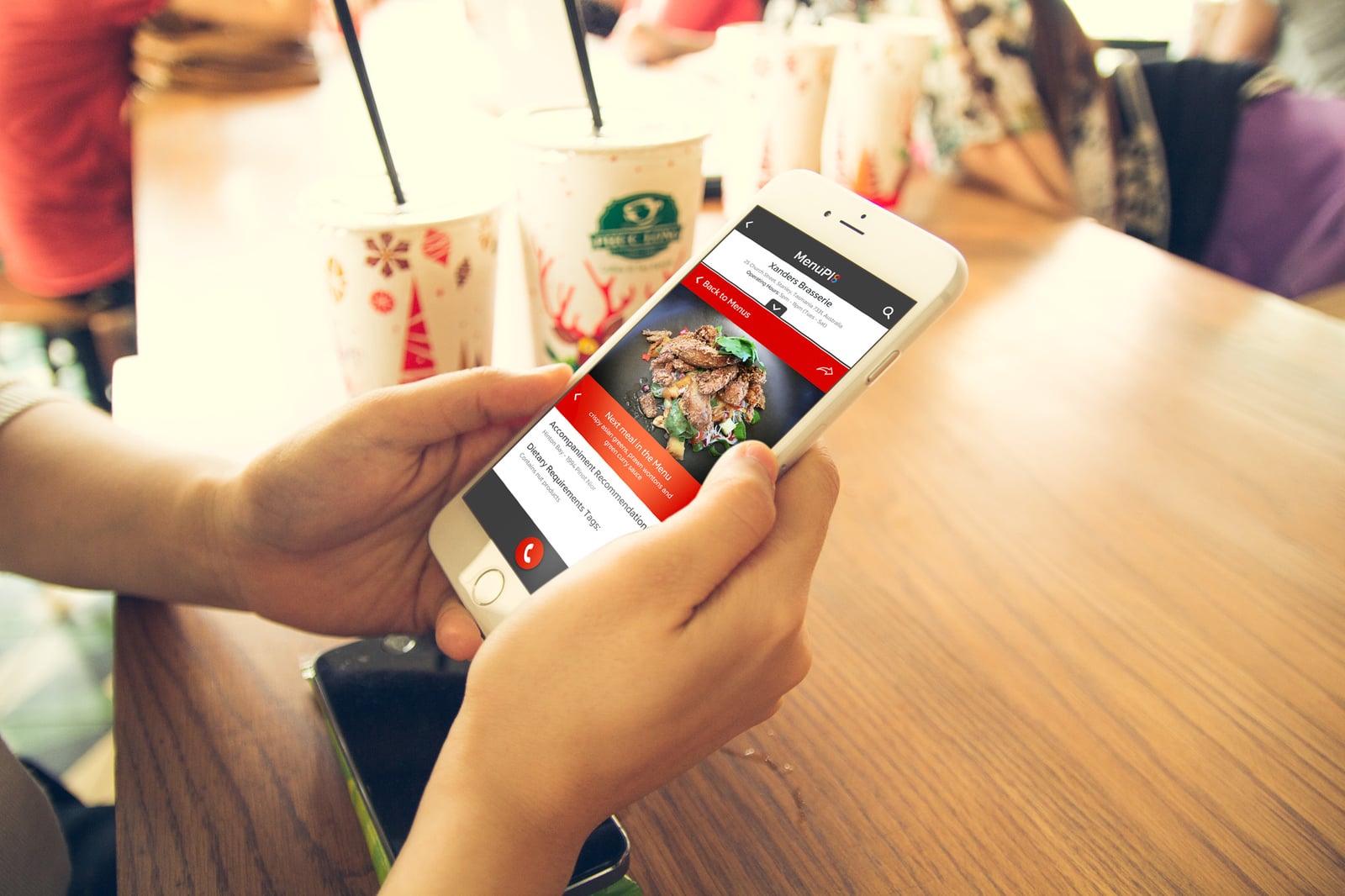
Made for the day-to-day
Your menu, ready to go. And easy to keep current.
Bring in the menu you already have, add dish photos from your phone, then review and publish when you’re ready. Change it once—your menu link and QR code keep pointing to the latest version.
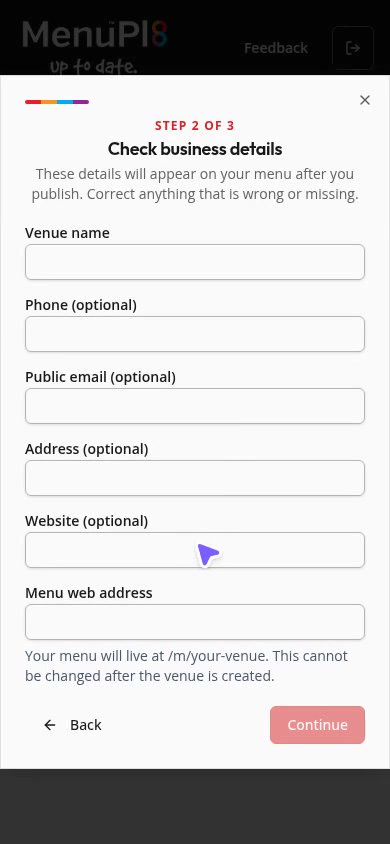
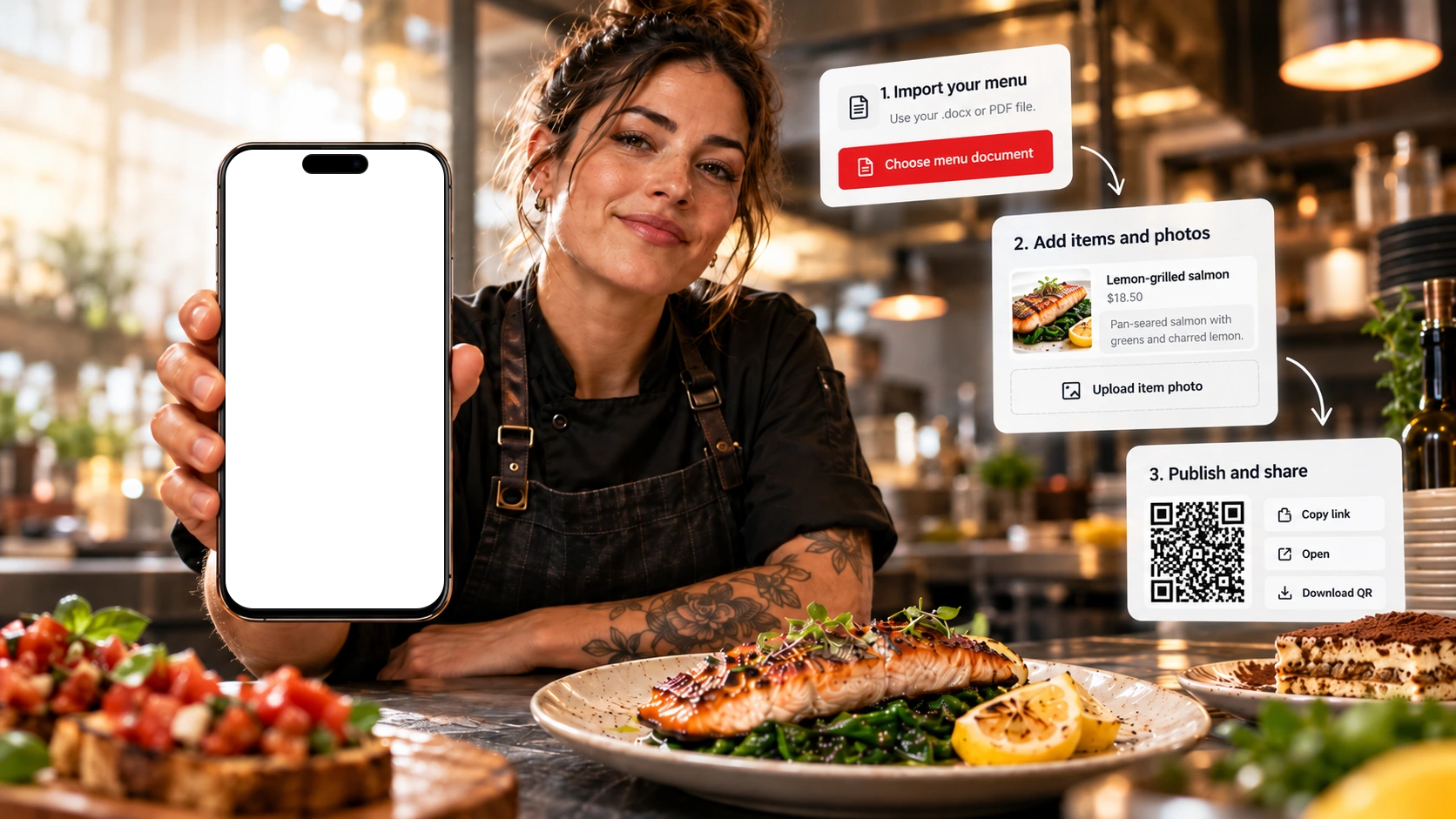
Simple to set up. Easy to maintain.
Start from the menu you have
Upload a text-based PDF or Word (.docx) file. AI organises it into a draft; you check every price and detail.
Keep it current from your phone
Change a price, switch off a sold-out dish or add photos from your phone. Save, then publish when you are ready.
Easy for diners to browse
Readable categories and tap-through dish details, not a PDF to pinch and zoom.
Availability
Take a dish off tonight. Bring it back tomorrow.
No need to delete a dish or retype it later. Switch it off when it is unavailable and back on when it returns.
Switch it off
Out of produce, or taking a dish off for the night? Turn that dish off with one toggle.
Save and publish
Save, then publish to update your live menu. Same menu link. Same QR code.
Bring it back later
Switch the same dish on again, then save and publish. Its description, price and photo are still there.
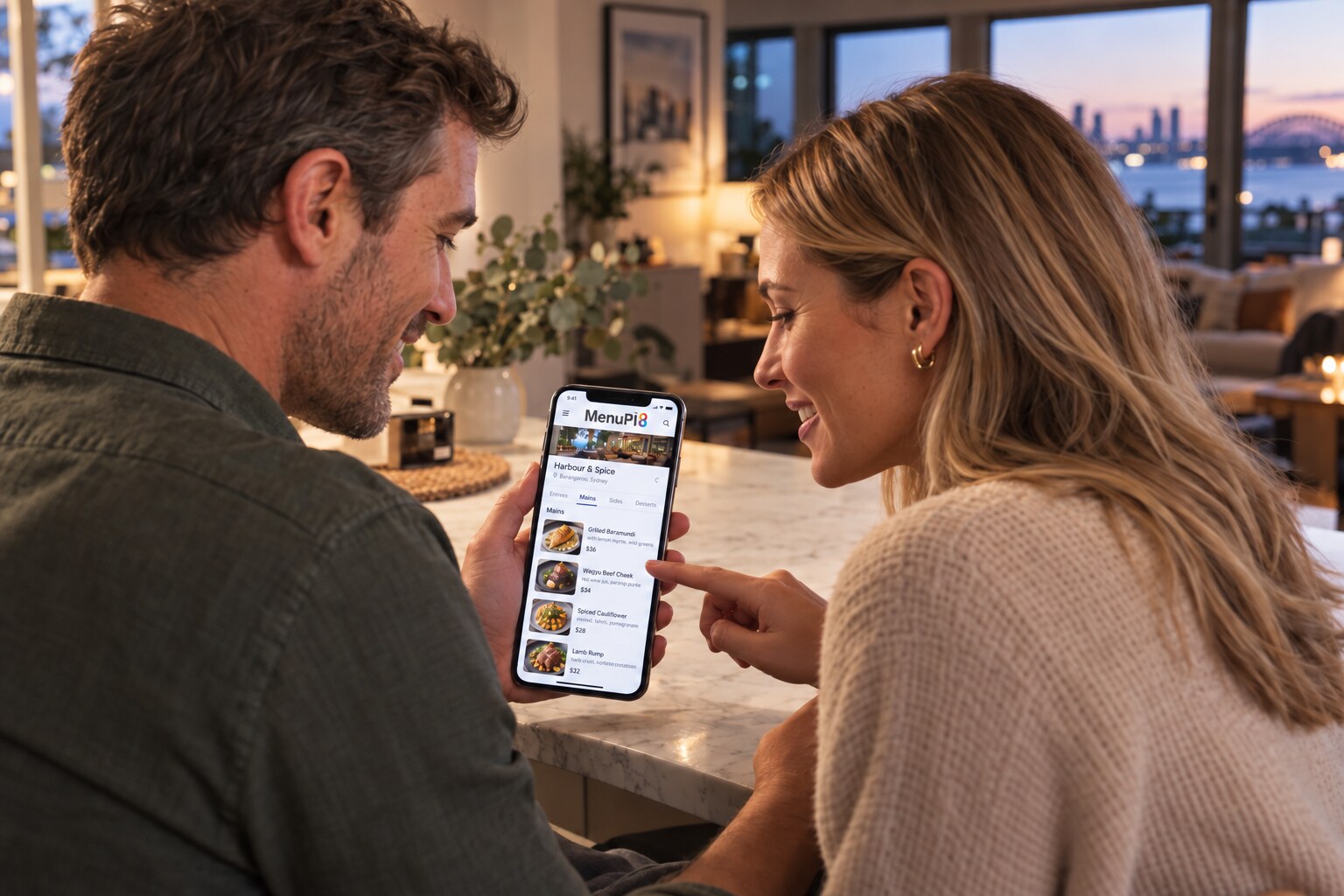
For diners
A better menu experience for diners
Give diners a menu they can actually browse—not a PDF to pinch and zoom. They can explore dishes before arriving or check your latest published menu at the table.
Tap, don’t pinch
Clear text and categories made for phone screens—not a static file to shrink and zoom.
Browse one dish at a time
Open a dish for photos, prices and descriptions where added, then move to the next or previous dish.
Plan before you arrive
Browse at home or at the table. You’re viewing the latest menu the restaurant has published.
Italiarno’s is a fictional demonstration venue.
Digital menus for Tasmanian restaurants and cafés
Our initial focus is Tasmania’s restaurants and cafés. From lunch menus and wine lists to blackboard specials, keep your menu details in one place and publish changes when they’re ready.
MenuPl8 is for dine-in venues, including restaurants and cafés that also offer takeaway. It helps you maintain and share your menu—not take online food orders.
Ask about MenuPl8 for your venueQuestions about mobile-editable menus
Can I update my restaurant menu from a mobile phone?
Yes. MenuPl8 works in your phone’s web browser. Edit dishes, descriptions and prices, manage specials and availability, and add photos from your phone. Review your draft and publish when you’re ready; saving a draft alone does not change the public menu.
Do I need a new QR code when my menu changes?
No. Published changes use the same menu link. When you update dishes or prices and publish, diners using your existing MenuPl8 QR code see the updated menu.
Can I put the digital menu on my restaurant’s website?
Yes. Share a menu link or use the website embed on a site that supports iframe embeds, including compatible WordPress setups. Published changes appear in the same menu, so you do not need to replace a PDF on your website each time.
Do I need professional photos before I start?
No. Photos are optional, and you can add your own dish photos from your phone later. Approved venues with image-library access can also choose clearly labelled MenuPl8 guide images as placeholders; these are not photographs of the venue’s actual dishes.
See how to import, edit and publish your menu for the setup steps and current Pilot access.
Try MenuPl8 as part of our pilot
Register and apply to try MenuPl8 for free. We’ll review your application and email you when it’s approved. Already invited? Register with your invited email to go straight into setup.
Already invited? Use the email address we invited. Not invited? Make an enquiry and we’ll reply to the address you give us.